


10 Best Patient Portal Software Tools: Comparisons & Buyers Guide
Patient portal software is table stakes for modern healthcare practices. Patients expect to schedule, message, upload documents, and view basic information without speaking to a human.
But many clinics still drown in phone calls, scheduling exceptions, and manual intake.
Here's how to change things.
Below is a practical listicle and buying guide comparing the most relevant patient portal and front‑desk options, with guidance on how to choose the right mix for your practice.
What does patient portal software do?
Patient portal software gives patients secure, self‑service access to their practice. At minimum, it lets them:
- View appointment history and upcoming visits.
- Schedule or request appointments.
- Send secure messages to the care team.
- Fille out digital forms and consents.
- Access visit summaries, medical records, and sometimes billing.
- Request prescription refills and pay bills.
For practices, the payoff is clear: reduced phone volume, fewer scheduling errors, and less staff time spent routing simple questions. The best portals go beyond “view‑only” access and become part of a continuous patient journey that includes reminders, education, and follow‑up.
What you’re really choosing
When you say “patient portal software,” you’re usually deciding between three overlapping categories:
- EHR‑native portals (MyChart, Oracle Health, NextGen) that live inside your existing electronic health record.
- Standalone or EHR‑agnostic portals and patient engagement platforms (FollowMyHealth, Clinked, DoctorConnect, Mend) that focus more on access than full EHR integration.
- AI front desk / medical receptionist / intake tools (like Freed Front Desk) that automate calls, scheduling, routing, and basic intake around the portal.
The best choice depends less on marketing fluff and more on:
- How tightly you need to tie into your EHR.
- How much phone and intake work your staff actually handle.
- How simple the experience is for patients and staff to adopt.
Related resource: Explore AI front desk vs. traditional reception
Summary: How to compare patient portal tools
When choosing, ask yourself: Are you solving information‑access problems (portal) or access‑channel problems (phone and intake)? Many practices need both.
Here’s a simple way to group the main patient portal software options:
How to choose the right solution: A summary table
Patient portal software comparison (2026 landscape)
Below are the most relevant options for U.S. practices in 2026.
1. Freed Front Desk
Best fit
Practices that already have (or plan to have) a portal but still struggle with phone volume, scheduling bottlenecks, and intake overload.
Overview
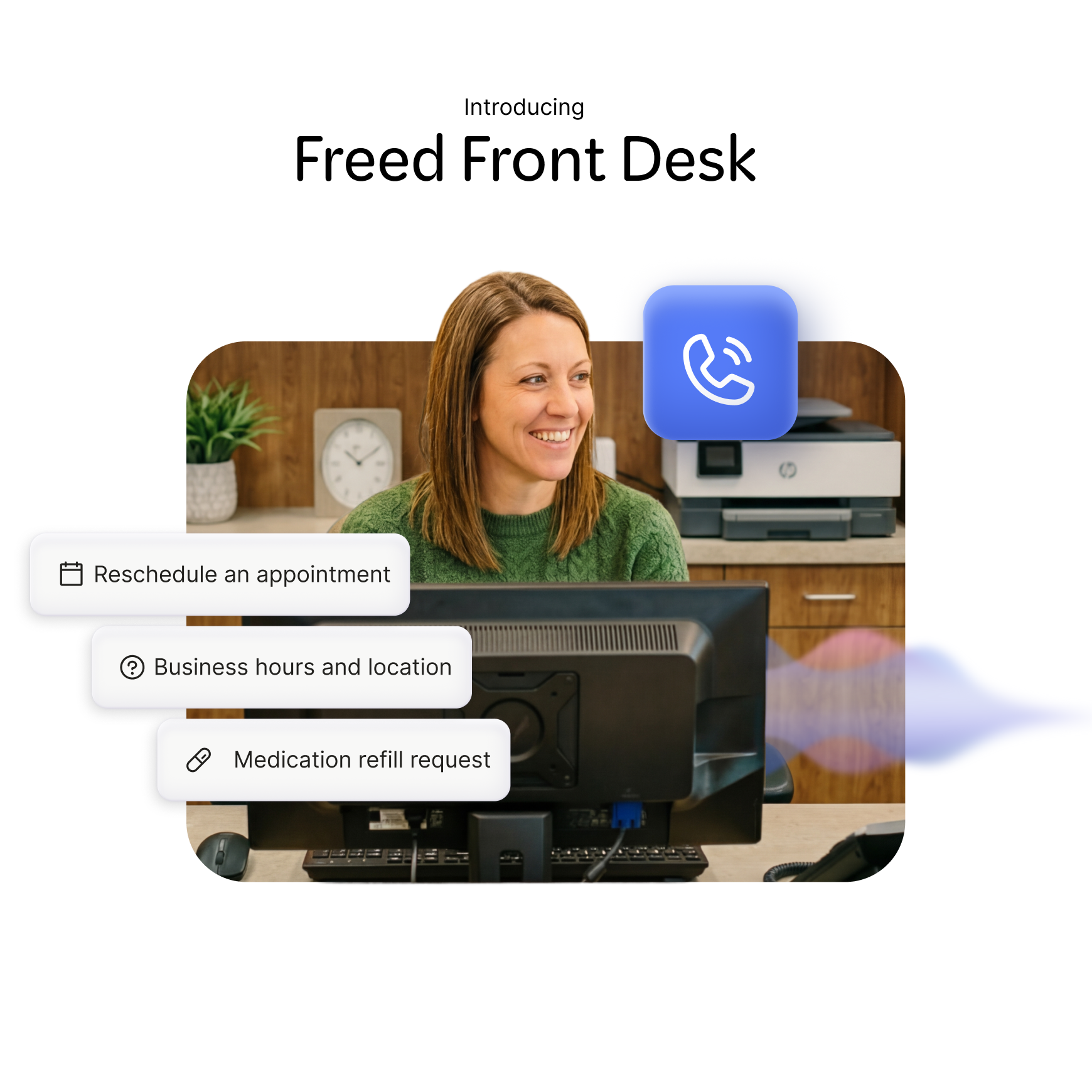
Freed Front Desk is an AI medical receptionist that sits in front of your patient portal and your phone line. While not a portal itself, it makes patient engagement intake, and ongoing support faster, easier, and more efficient.
Front Desk is designed for clinics that:
- Miss calls or put patients on hold too often.
- Have long‑running battles with insurance verification and basic intake questions.
- Want to automate scheduling and routing without adding more reception staff.
Key capabilities
- Call answering and routing: Answers calls 24/7, identifies the reason for the call, and routes or escalates appropriately.
- Multilingual calls: Listens, interprets and responds in your patients preferred language — supporting 90+ languages.
- Scheduling support: Responds and organizes scheduling requests in a categorized inbox.
- Insurance and eligibility help: Handles basic insurance questions and eligibility checks, reducing burden on staff.
- Intake assistance: Gathers initial information and hand off complex cases to humans.
- Secure messaging: Two-way SMS text-messaging.
At Premonition Health, a hybrid primary care clinic in Wichita, Kansas, Freed Front Desk reduced after-hours call burden by 60%, automated 79% of incoming calls, and saved the team roughly one full workday per week — without adding staff or cost.
"Freed's Front Desk gave me my nights and weekends back — and gave my team a lunch break." — Dr. Matthew Bezzant, Founder of Premonition Health
In practice, Freed complements portals like Epic MyChart, FollowMyHealth, Clinked, DoctorConnect, or Mend by:
- Reducing the number of simple calls that staff need to handle.
- Making sure urgent or complex issues still get routed to a human.
- Extending access beyond the portal UI into the phone line, where many patients still start their journey
2. Epic MyChart
Best fit
Large health systems and multi‑location enterprises already on Epic.
Overview
MyChart is the most widely used patient portal in the U.S., deeply embedded in the Epic ecosystem. It lets patients view records, schedule appointments, message providers, request refills, and pay bills without leaving the Epic environment.
Strengths
- Deep EHR integrations and consistent experience across locations.
- Strong trust among patients because of Epic’s market presence.
Tradeoffs
- Limited flexibility if you want to change the UI or workflows.
- Setup and configuration are usually enterprise‑scale projects.
3. Oracle Health Patient Portal
Best fit
Health systems using Oracle’s health‑IT stack.
Overview
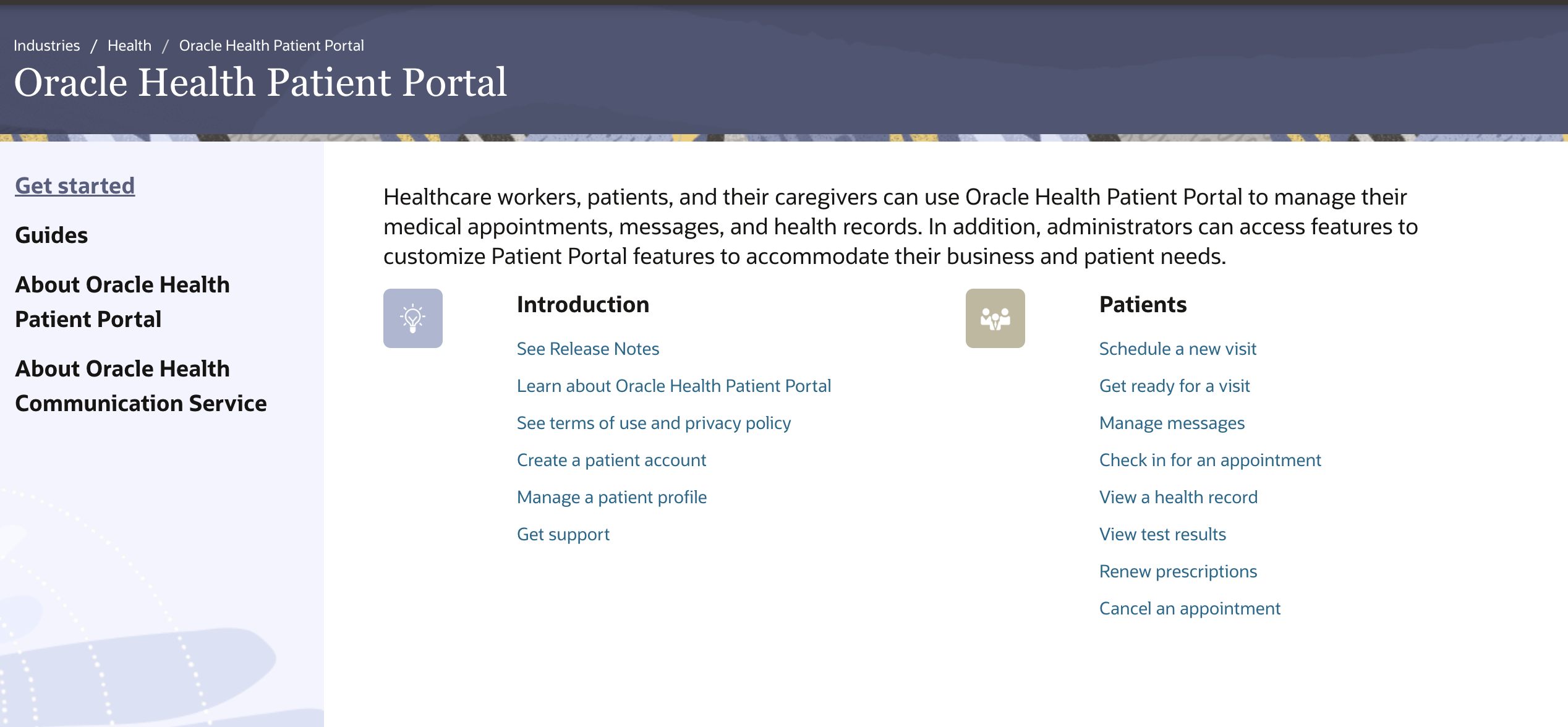
Oracle’s portal offers record access, messaging, and online registration, with a focus on security, mobile access, and multilingual support. It’s designed for large organizations that want a single branded portal experience across many sites.
Strengths
- Strong integration with Oracle products.
- Mobile‑friendly and translation‑aware.
Tradeoffs
- Tied to the Oracle ecosystem, so it’s less attractive if you’re not already on Oracle.
4. NextGen Patient Portal
Best fit
Ambulatory practices using NextGen EHR and practice‑management tools.
Overview
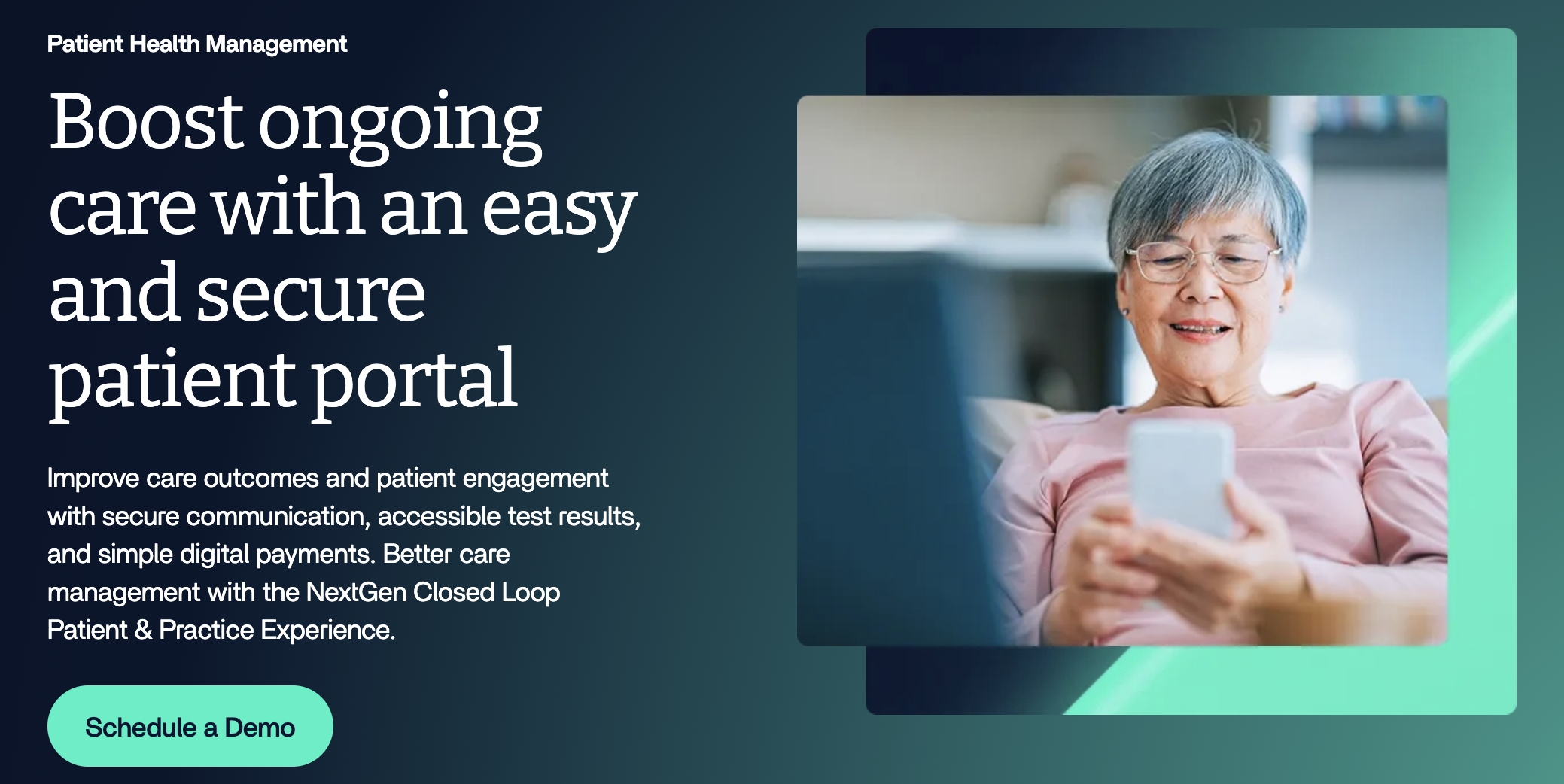
NextGen’s portal bundles several aspects of healthcare administration: scheduling, secure messaging, payments, and intake forms into one interface. It connects tightly to billing and reporting, which helps practices that want to keep revenue‑cycle tasks inside one stack.
Strengths
- All‑in‑one portal, billing, and scheduling inside NextGen.
- Good for clinics that want less “tool hopping.”
Tradeoffs
- Best for practices already committed to NextGen.
5. FollowMyHealth

Best fit
Practices that use multiple EHRs or want an EHR‑agnostic portal.
Overview
FollowMyHealth is one of the more flexible EHR‑agnostic portals, with support for scheduling, secure messaging, and document access. It’s useful if you want a consistent patient experience but don’t want to be locked into one EHR vendor.
Strengths
- Portal experience across different systems.
- Works well for smaller networks or multi‑specialty groups.
Tradeoffs
- You may need to configure integrations carefully for each EHR.
6. Clinked

Best fit
Practices that want a branded, document‑centric portal.
Overview
Clinked is used across healthcare, legal, and other regulated industries. It emphasizes document management, granular permissions, and audit trails, which makes it attractive for practices that care about compliance and branding.
Strengths
- Strong document controls and white‑label branding.
- Good audit and versioning features.
Tradeoffs
- Less focused on full clinical workflow than on secure document sharing.
7. DoctorConnect

Best fit
Practices that want robust patient‑management and reminder automation.
Overview
DoctorConnect is a patient‑management platform that includes portal‑style access plus strong reminder, messaging, and interoperability features. It’s popular with clinics that already handle a lot of outbound communication and want to automate it.
Strengths
- Strong reminder and engagement automation.
- Broad integration with many EHRs and practice‑management systems.
Tradeoffs
- Pricing is not transparent and tends to be sales‑driven.
8. Mend

Best fit
Practices that want a patient‑engagement‑centric portal without heavy EHR integration.
Overview
Mend focuses on access, communication, and intake workflows. It’s often chosen by clinics that want smoother onboarding, better digital experience, and appointment management rather than deep EHR record access.
Strengths
- Simple, fast deployment.
- Good UX for forms and intake.
Tradeoffs
- Less “full‑stack EHR” and more “engagement layer.”
9. SimplePractice

Best fit
Small practices, especially behavioral‑health and private‑practice settings.
Overview
SimplePractice bundles scheduling, notes, billing, and a basic portal into one platform. It’s common in mental‑health and similar specialties where practitioners want fewer tools and a simpler workflow.
Strengths
- Affordable, all‑in‑one solution for small teams.
- Integrated portal and billing.
Tradeoffs
- Limited compared to enterprise‑grade EHR‑native portals.
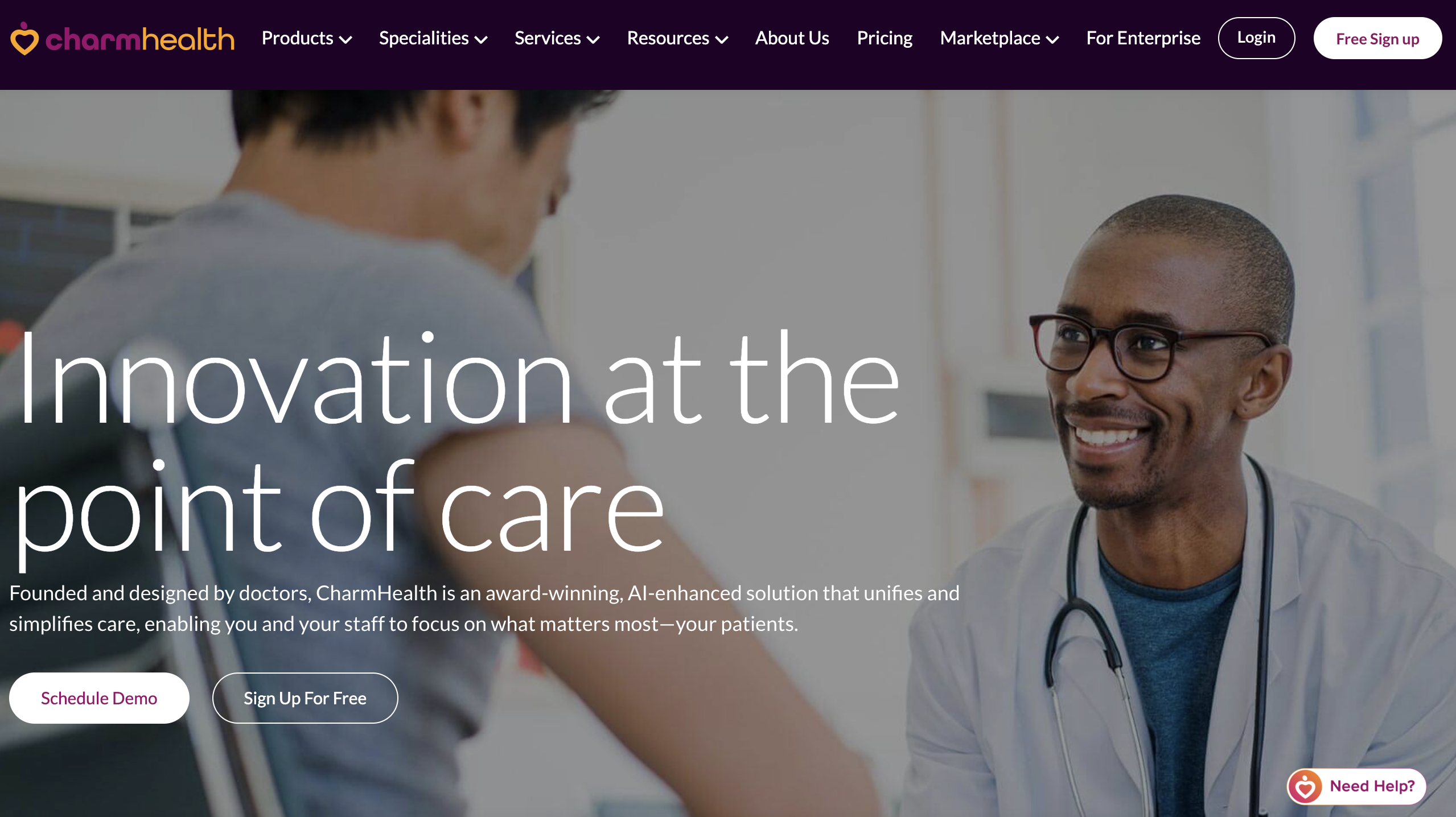
10. CharmHealth
Best fit
Practices that want a low‑cost, all‑in‑one suite.
Overview
CharmHealth provides scheduling, portal‑style access, and EHR‑like charting at a lower price point than many enterprise products. It’s often chosen by small or budget‑constrained clinics.
Strengths
- Low‑cost entry into portal and EHR features.
- All‑in‑one model.
Tradeoffs
- Fewer large‑enterprise features and integrations.
Security, compliance, and trust considerations (HIPAA reality check)
Any patient portal or front desk system must be evaluated through a security and compliance lens:
- HIPAA-compliant data handling and storage
- Role-based access control
- Audit logs for patient interactions
- Secure messaging encryption
- Vendor BAAs (Business Associate Agreements)
In many real-world breaches or workflow failures, the issue is not the portal itself, it’s the handoff between systems (phone → staff → EHR → portal). This is why modern patient access strategies increasingly evaluate the entire communication stack, not just the portal.
The bottom line
Patient portal software has come a long way. The options this year are mature, capable, and increasingly specialized, whether you're running a solo behavioral health practice or a multi-site health system. The right portal can meaningfully reduce administrative burden and give your staff breathing room.
Dr. Matthew Bezzant at Premonition Health used to field 4–6 calls a night, including during dinner and after his kids were in bed. After deploying Freed Front Desk, that dropped to 0–2 — and 90% of callers showed a neutral or positive experience with the AI according to analysis.
A portal alone only goes so far. Most practices find that a meaningful share of patient interactions still happen over the phone. That's the gap Freed Front Desk is built to close: not replacing your portal, but making sure the patients who don't use it (or can't) still get a fast, helpful experience.
Still losing patients to hold music? Let's fix that.
The technology to do it exists, and it doesn't require ripping out your existing systems to get there.
See how Freed Front Desk works seamlessly with your current setup → Try Freed for Free

10 Best Patient Portal Software Tools: Comparisons & Buyers Guide

Table of Contents
Patient portal software is table stakes for modern healthcare practices. Patients expect to schedule, message, upload documents, and view basic information without speaking to a human.
But many clinics still drown in phone calls, scheduling exceptions, and manual intake.
Here's how to change things.
Below is a practical listicle and buying guide comparing the most relevant patient portal and front‑desk options, with guidance on how to choose the right mix for your practice.
What does patient portal software do?
Patient portal software gives patients secure, self‑service access to their practice. At minimum, it lets them:
- View appointment history and upcoming visits.
- Schedule or request appointments.
- Send secure messages to the care team.
- Fille out digital forms and consents.
- Access visit summaries, medical records, and sometimes billing.
- Request prescription refills and pay bills.
For practices, the payoff is clear: reduced phone volume, fewer scheduling errors, and less staff time spent routing simple questions. The best portals go beyond “view‑only” access and become part of a continuous patient journey that includes reminders, education, and follow‑up.
What you’re really choosing
When you say “patient portal software,” you’re usually deciding between three overlapping categories:
- EHR‑native portals (MyChart, Oracle Health, NextGen) that live inside your existing electronic health record.
- Standalone or EHR‑agnostic portals and patient engagement platforms (FollowMyHealth, Clinked, DoctorConnect, Mend) that focus more on access than full EHR integration.
- AI front desk / medical receptionist / intake tools (like Freed Front Desk) that automate calls, scheduling, routing, and basic intake around the portal.
The best choice depends less on marketing fluff and more on:
- How tightly you need to tie into your EHR.
- How much phone and intake work your staff actually handle.
- How simple the experience is for patients and staff to adopt.
Related resource: Explore AI front desk vs. traditional reception
Summary: How to compare patient portal tools
When choosing, ask yourself: Are you solving information‑access problems (portal) or access‑channel problems (phone and intake)? Many practices need both.
Here’s a simple way to group the main patient portal software options:
How to choose the right solution: A summary table
Patient portal software comparison (2026 landscape)
Below are the most relevant options for U.S. practices in 2026.
1. Freed Front Desk
Best fit
Practices that already have (or plan to have) a portal but still struggle with phone volume, scheduling bottlenecks, and intake overload.
Overview
Freed Front Desk is an AI medical receptionist that sits in front of your patient portal and your phone line. While not a portal itself, it makes patient engagement intake, and ongoing support faster, easier, and more efficient.
Front Desk is designed for clinics that:
- Miss calls or put patients on hold too often.
- Have long‑running battles with insurance verification and basic intake questions.
- Want to automate scheduling and routing without adding more reception staff.
Key capabilities
- Call answering and routing: Answers calls 24/7, identifies the reason for the call, and routes or escalates appropriately.
- Multilingual calls: Listens, interprets and responds in your patients preferred language — supporting 90+ languages.
- Scheduling support: Responds and organizes scheduling requests in a categorized inbox.
- Insurance and eligibility help: Handles basic insurance questions and eligibility checks, reducing burden on staff.
- Intake assistance: Gathers initial information and hand off complex cases to humans.
- Secure messaging: Two-way SMS text-messaging.
At Premonition Health, a hybrid primary care clinic in Wichita, Kansas, Freed Front Desk reduced after-hours call burden by 60%, automated 79% of incoming calls, and saved the team roughly one full workday per week — without adding staff or cost.
"Freed's Front Desk gave me my nights and weekends back — and gave my team a lunch break." — Dr. Matthew Bezzant, Founder of Premonition Health
In practice, Freed complements portals like Epic MyChart, FollowMyHealth, Clinked, DoctorConnect, or Mend by:
- Reducing the number of simple calls that staff need to handle.
- Making sure urgent or complex issues still get routed to a human.
- Extending access beyond the portal UI into the phone line, where many patients still start their journey
2. Epic MyChart
Best fit
Large health systems and multi‑location enterprises already on Epic.
Overview
MyChart is the most widely used patient portal in the U.S., deeply embedded in the Epic ecosystem. It lets patients view records, schedule appointments, message providers, request refills, and pay bills without leaving the Epic environment.
Strengths
- Deep EHR integrations and consistent experience across locations.
- Strong trust among patients because of Epic’s market presence.
Tradeoffs
- Limited flexibility if you want to change the UI or workflows.
- Setup and configuration are usually enterprise‑scale projects.
3. Oracle Health Patient Portal
Best fit
Health systems using Oracle’s health‑IT stack.
Overview
Oracle’s portal offers record access, messaging, and online registration, with a focus on security, mobile access, and multilingual support. It’s designed for large organizations that want a single branded portal experience across many sites.
Strengths
- Strong integration with Oracle products.
- Mobile‑friendly and translation‑aware.
Tradeoffs
- Tied to the Oracle ecosystem, so it’s less attractive if you’re not already on Oracle.
4. NextGen Patient Portal
Best fit
Ambulatory practices using NextGen EHR and practice‑management tools.
Overview
NextGen’s portal bundles several aspects of healthcare administration: scheduling, secure messaging, payments, and intake forms into one interface. It connects tightly to billing and reporting, which helps practices that want to keep revenue‑cycle tasks inside one stack.
Strengths
- All‑in‑one portal, billing, and scheduling inside NextGen.
- Good for clinics that want less “tool hopping.”
Tradeoffs
- Best for practices already committed to NextGen.
5. FollowMyHealth
Best fit
Practices that use multiple EHRs or want an EHR‑agnostic portal.
Overview
FollowMyHealth is one of the more flexible EHR‑agnostic portals, with support for scheduling, secure messaging, and document access. It’s useful if you want a consistent patient experience but don’t want to be locked into one EHR vendor.
Strengths
- Portal experience across different systems.
- Works well for smaller networks or multi‑specialty groups.
Tradeoffs
- You may need to configure integrations carefully for each EHR.
6. Clinked
Best fit
Practices that want a branded, document‑centric portal.
Overview
Clinked is used across healthcare, legal, and other regulated industries. It emphasizes document management, granular permissions, and audit trails, which makes it attractive for practices that care about compliance and branding.
Strengths
- Strong document controls and white‑label branding.
- Good audit and versioning features.
Tradeoffs
- Less focused on full clinical workflow than on secure document sharing.
7. DoctorConnect
Best fit
Practices that want robust patient‑management and reminder automation.
Overview
DoctorConnect is a patient‑management platform that includes portal‑style access plus strong reminder, messaging, and interoperability features. It’s popular with clinics that already handle a lot of outbound communication and want to automate it.
Strengths
- Strong reminder and engagement automation.
- Broad integration with many EHRs and practice‑management systems.
Tradeoffs
- Pricing is not transparent and tends to be sales‑driven.
8. Mend
Best fit
Practices that want a patient‑engagement‑centric portal without heavy EHR integration.
Overview
Mend focuses on access, communication, and intake workflows. It’s often chosen by clinics that want smoother onboarding, better digital experience, and appointment management rather than deep EHR record access.
Strengths
- Simple, fast deployment.
- Good UX for forms and intake.
Tradeoffs
- Less “full‑stack EHR” and more “engagement layer.”
9. SimplePractice
Best fit
Small practices, especially behavioral‑health and private‑practice settings.
Overview
SimplePractice bundles scheduling, notes, billing, and a basic portal into one platform. It’s common in mental‑health and similar specialties where practitioners want fewer tools and a simpler workflow.
Strengths
- Affordable, all‑in‑one solution for small teams.
- Integrated portal and billing.
Tradeoffs
- Limited compared to enterprise‑grade EHR‑native portals.
10. CharmHealth
Best fit
Practices that want a low‑cost, all‑in‑one suite.
Overview
CharmHealth provides scheduling, portal‑style access, and EHR‑like charting at a lower price point than many enterprise products. It’s often chosen by small or budget‑constrained clinics.
Strengths
- Low‑cost entry into portal and EHR features.
- All‑in‑one model.
Tradeoffs
- Fewer large‑enterprise features and integrations.
Security, compliance, and trust considerations (HIPAA reality check)
Any patient portal or front desk system must be evaluated through a security and compliance lens:
- HIPAA-compliant data handling and storage
- Role-based access control
- Audit logs for patient interactions
- Secure messaging encryption
- Vendor BAAs (Business Associate Agreements)
In many real-world breaches or workflow failures, the issue is not the portal itself, it’s the handoff between systems (phone → staff → EHR → portal). This is why modern patient access strategies increasingly evaluate the entire communication stack, not just the portal.
The bottom line
Patient portal software has come a long way. The options this year are mature, capable, and increasingly specialized, whether you're running a solo behavioral health practice or a multi-site health system. The right portal can meaningfully reduce administrative burden and give your staff breathing room.
Dr. Matthew Bezzant at Premonition Health used to field 4–6 calls a night, including during dinner and after his kids were in bed. After deploying Freed Front Desk, that dropped to 0–2 — and 90% of callers showed a neutral or positive experience with the AI according to analysis.
A portal alone only goes so far. Most practices find that a meaningful share of patient interactions still happen over the phone. That's the gap Freed Front Desk is built to close: not replacing your portal, but making sure the patients who don't use it (or can't) still get a fast, helpful experience.
Still losing patients to hold music? Let's fix that.
The technology to do it exists, and it doesn't require ripping out your existing systems to get there.
See how Freed Front Desk works seamlessly with your current setup → Try Freed for Free
FAQs
Frequently asked questions from clinicians and medical practitioners.

What is the best patient portal software?

What is the difference between a patient portal and an EHR?
Can patient portal software reduce phone calls?
What does Freed Front Desk do?
How easy is it to set up Freed Front Desk in my practice?
Can Freed Front Desk handle calls 24/7?
Is patient portal software HIPAA compliant?
What is an AI front desk in healthcare?
Related content
Free yourself for better things


548 Market Street, PMB 95301
San Francisco, CA 94104
Specialties
Compliance & Security
Our technology is HIPAA-compliant, uses industry best practices, and doesn’t store patient recordings.



