5 Best Nuance Dragon Medical One Alternatives in 2026
Dragon Medical One has been the go-to medical dictation tool for decades. Physicians learned to slow down their speech, enunciate carefully, maintain voice profiles, and budget over $1,000 per year per provider for software that still demanded hours of upfront training.
For large health systems with dedicated IT departments, it was manageable. For independent practices and small groups, it was a persistent drain — expensive, complex, and never quite seamless.
Then ambient AI scribes arrived. These tools don't ask you to dictate anything. They listen to your conversation with the patient, understand clinical context, and generate a complete structured note automatically when the encounter ends. The physician reviews, adjusts if needed, and moves on.
Total time: 30–60 seconds.
This is a fundamentally different category from medical dictation software. It's not a faster way to transcribe your words — it's a way to eliminate note-taking from your workflow almost entirely.
Here's a look at the best Nuance Dragon Medical One alternatives in 2026, who each one is built for, and how to choose.
Why physicians are moving away from Dragon Medical One
Dragon Medical One is accurate. Its word recognition rate in controlled conditions is well-documented. But accuracy is not the same as usefulness, and the core limitation of Dragon has nothing to do with transcription fidelity: the cognitive burden of documentation still rests entirely on the physician.
With Dragon, you must structure the note in your head, dictate it in organized form, review the transcription, fix errors, and move it into the EHR.
Dragon transcribes words. It doesn't understand what you said. It doesn't know what an assessment and plan should look like for a 45-year-old with uncontrolled type 2 diabetes. You do all of that. Dragon just types for you.
Modern AI scribes work differently. You have a normal conversation with your patient. When the visit ends, the AI — which has been listening the entire time — produces a specialty-appropriate SOAP note. You review and approve. Your job during documentation drops from minutes to seconds per encounter.
Beyond the workflow difference, there are practical friction points.
Training and onboarding time
Dragon requires the tool to learn your voice, which is a process that takes time and periodic recalibration. AI scribes require no voice training. They understand any speaker from the first encounter.
Dragon costs per provider
Dragon Medical One licensing typically runs $1,200–$1,500 per provider per year in enterprise configurations, with some health system contracts exceeding that range depending on deployment size and add-on modules. For a five-physician practice, that's $6,000–$7,500 annually — just for dictation software.
Modern AI medical scribes have changed the pricing equation entirely. Ambient AI documentation tools now start as low as $39–$150 per month per provider with no long-term contracts and no setup fees — a fraction of what legacy medical dictation software costs.
What ambient AI can do that dictation can't
Ambient AI can listen and revise, eventually adapting to your speech patterns and the nuances of your personal note-taking.
In contrast, Dragon converts speech to text. It cannot generate an assessment, structure a plan, or understand that "SOB" means shortness of breath in context. That cognitive work stays with you.
For a deeper look at the key differences between medical dictation and AI scribes, see our full breakdown of what has changed in documentation technology.
Dragon Medical One vs. AI scribes: Side-by-side
Dragon Medical One and modern AI scribes may appear to solve the same problem (clinical documentation) but they approach it in fundamentally different ways.
AI scribes take a different approach than simply making dictation faster. Rather than acting as a transcription tool, they function as documentation assistants. To see more on AI medical transcription and how it differs from dictation, read our guide.
For practices evaluating whether to stay with traditional dictation or move to ambient AI, the key question isn't which tool transcribes better, it's whether you want software that records your documentation or software that helps create it.
Comparison table (Dragon vs. Freed vs. Suki vs. Commure)
| Feature | Dragon Medical One | Freed | Suki | Commure Scribe |
|---|---|---|---|---|
| Primary approach | Voice dictation | Ambient AI scribe with coding, CDS, and patient letters | AI assistant + ambient documentation | Ambient AI scribe |
| Listens during patient visit | ✖ | ☑ | ☑ | ☑ |
| Auto-generates SOAP notes | ✖ | ☑ | ☑ | ☑ |
| Requires physician dictation | ☑ | ✖ | Sometimes | ✖ |
| Voice training/profile setup | ☑ | ✖ | ✖ | ✖ |
| Learns provider preferences | Limited | ☑ | ☑ | ☑ |
| Works across specialties | ☑ | ☑ | ☑ | ☑ |
| EHR compatibility | Select integrations | Most browser-based EHRs + direct integrations | Major EHRs | Enterprise EHR integrations |
| Individual physician purchase | ☑ | ☑ | ☑ | ✖ |
| IT involvement required | Often | ✖ | Minimal | Typically yes |
| Best fit | Physicians who prefer dictation | Independent practices and small groups | Providers who want voice commands and ambient AI | Large health systems and enterprise organizations |
| Documentation workflow | Dictate → Edit → Sign | Visit → Review → Sign | Speak commands and/or ambient capture → Review → Sign | Visit → Review → Sign |
For a broader comparison of medical dictation software options in 2026 across the full market, including both dictation and AI scribe tools, see our complete overview.
The top Dragon Medical One alternatives in 2026
If you're evaluating replacements, the options fall into two distinct categories: tools for independent and small-group practices, and enterprise platforms designed for health system deployment. The right choice depends on your practice size, EHR environment, and how much IT support you have access to.
For a comprehensive view of the top-rated AI medical scribes compared, including tools beyond this list, see our full ranking.
1. Freed — Best for independent and small practices
Overview
Unlike Dragon Medical One, which requires physicians to dictate their notes, Freed eliminates the dictation workflow entirely. Physicians conduct visits normally while Freed generates a structured clinical note automatically. Because it works across specialties, supports virtually any EHR workflow, and requires no IT involvement, it's one of the easiest AI scribes to deploy and scale.
Best for
Independent physicians, private practices, small medical groups, and specialty clinics.
Key strengths:
- Ambient AI documentation with no dictation required
- Works with any EHR
- Setup takes minutes, not months
- No voice training or profile maintenance
- Learns physician preferences over time
- Lower cost than most enterprise-focused alternatives
- Designed specifically for clinical documentation rather than general speech recognition
Potential drawback
Physicians who prefer issuing voice commands throughout the visit may prefer another workflow
2. Suki AI — Best for voice-command workflows
Overview
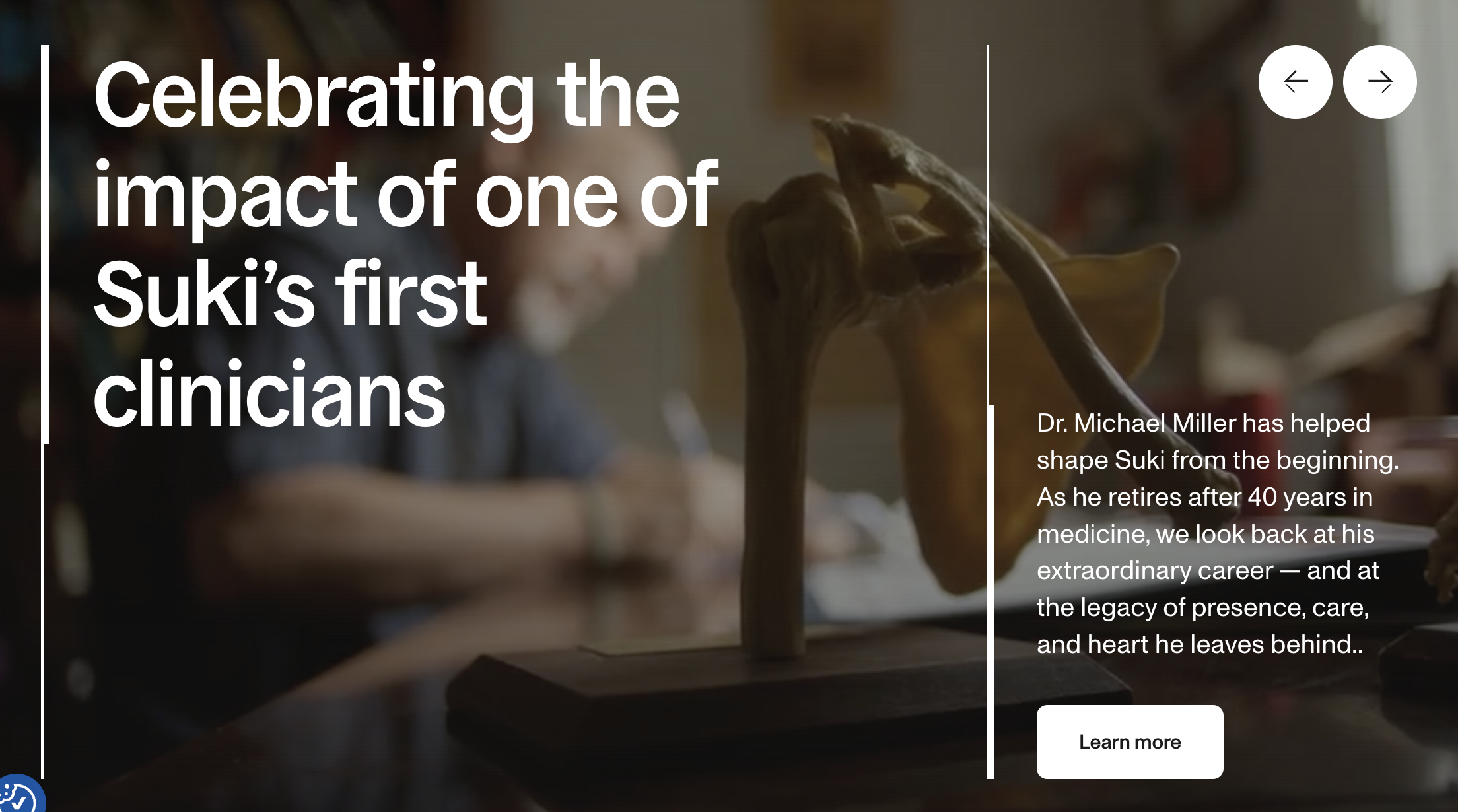
Suki is often the best fit for physicians who still want to actively interact with documentation using voice commands. While it offers ambient documentation capabilities, its primary differentiator is its voice-assistant experience.
Best for
Clinicians transitioning from traditional dictation who want more hands-on control.
Potential drawback
Suki's hybrid model — combining voice commands with ambient listening — can mean a steeper learning curve for physicians who want a fully hands-off documentation experience. Clinicians who prefer to simply conduct a visit and receive a completed note without issuing commands during the encounter may find the voice-assistant workflow adds steps rather than removing them.
3. Commure Scribe — best for enterprise integration
Overview
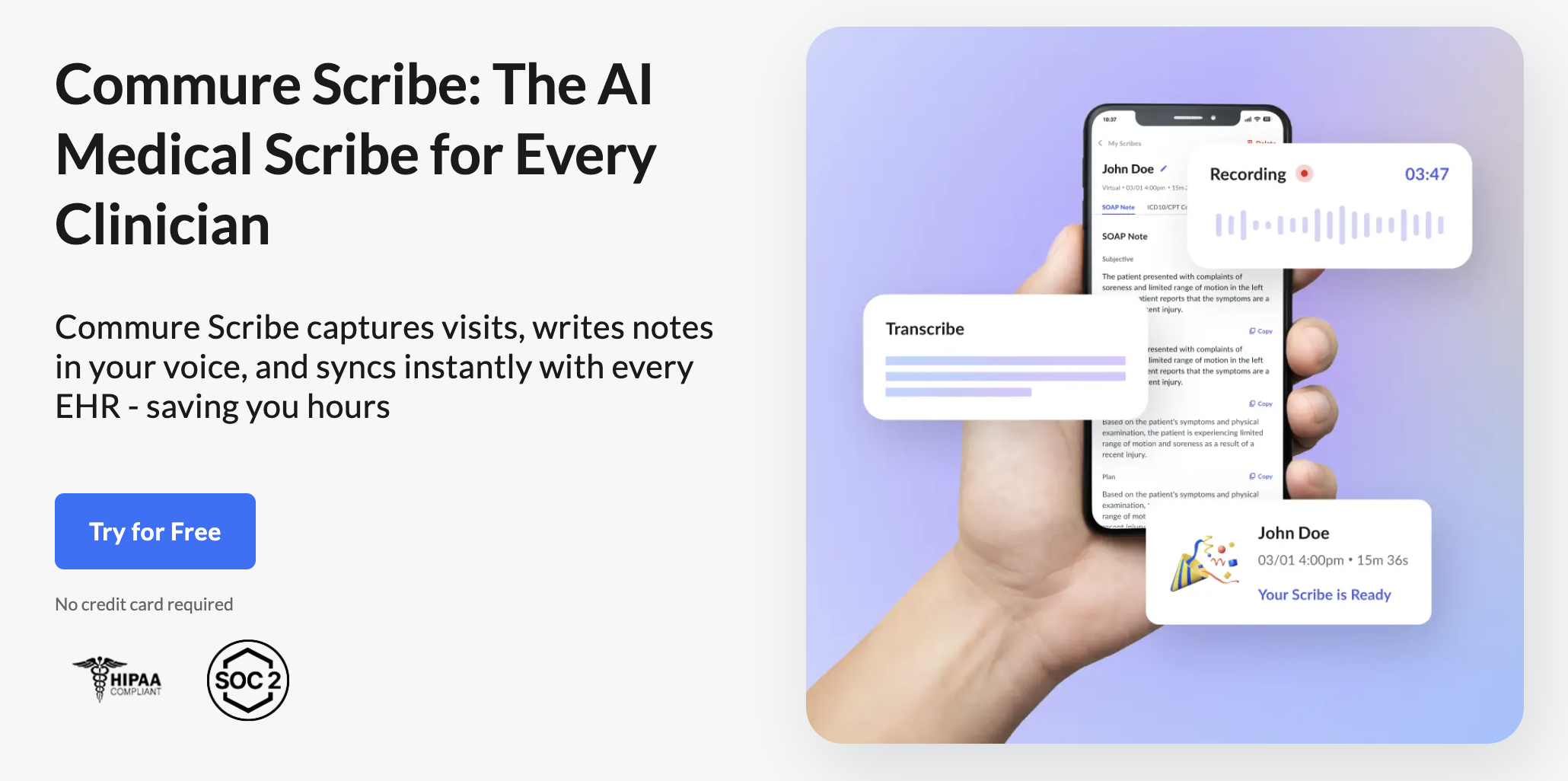
Commure Scribe focuses on large health systems that require enterprise governance, centralized administration, and IT-led deployment.
Best for
Large health systems and enterprise organizations.
Potential drawback
Typically requires significantly more implementation effort than tools designed for independent practices.
4. Heidi Health — Best free-tier option
Overview
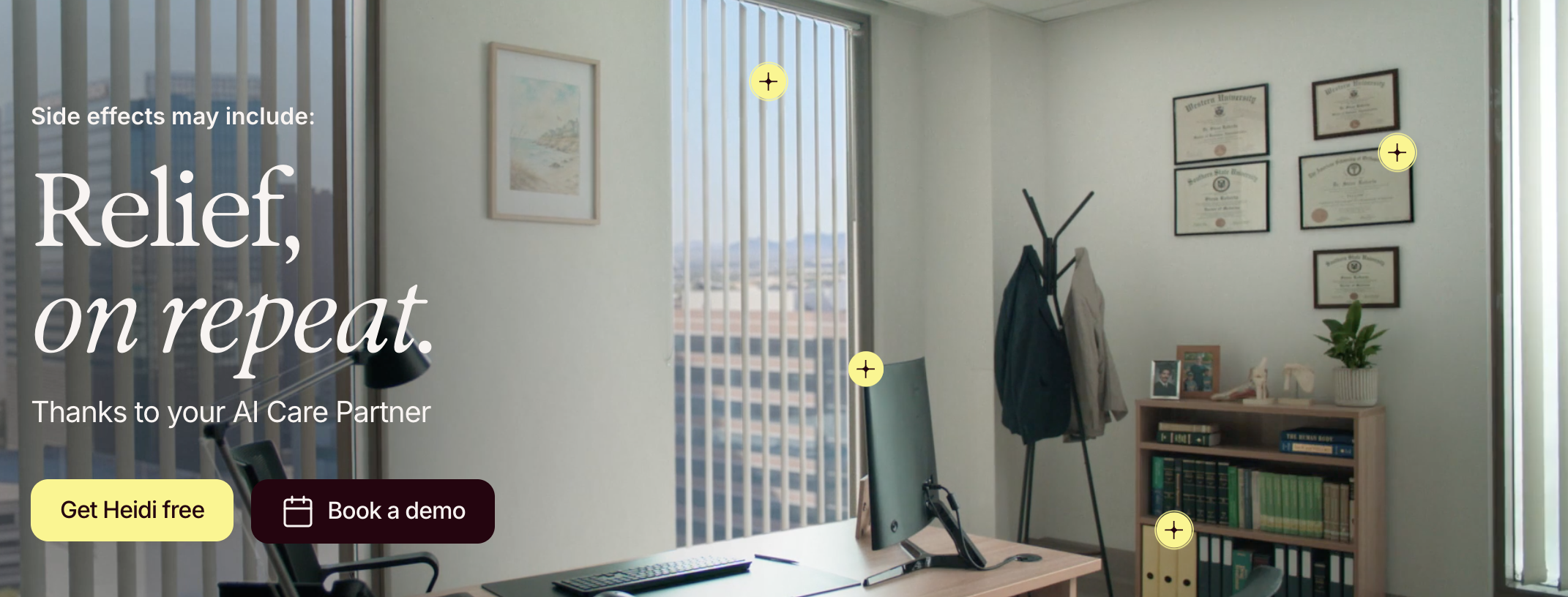
Heidi's free tier makes it attractive for clinicians exploring ambient documentation for the first time.
Best for
Physicians evaluating AI scribes on a limited budget.
Potential drawback
Free tools often involve tradeoffs in workflow sophistication, support, integrations, or customization compared with dedicated premium platforms.
5. Mobius MD — Best for Dragon power users wanting a migration path
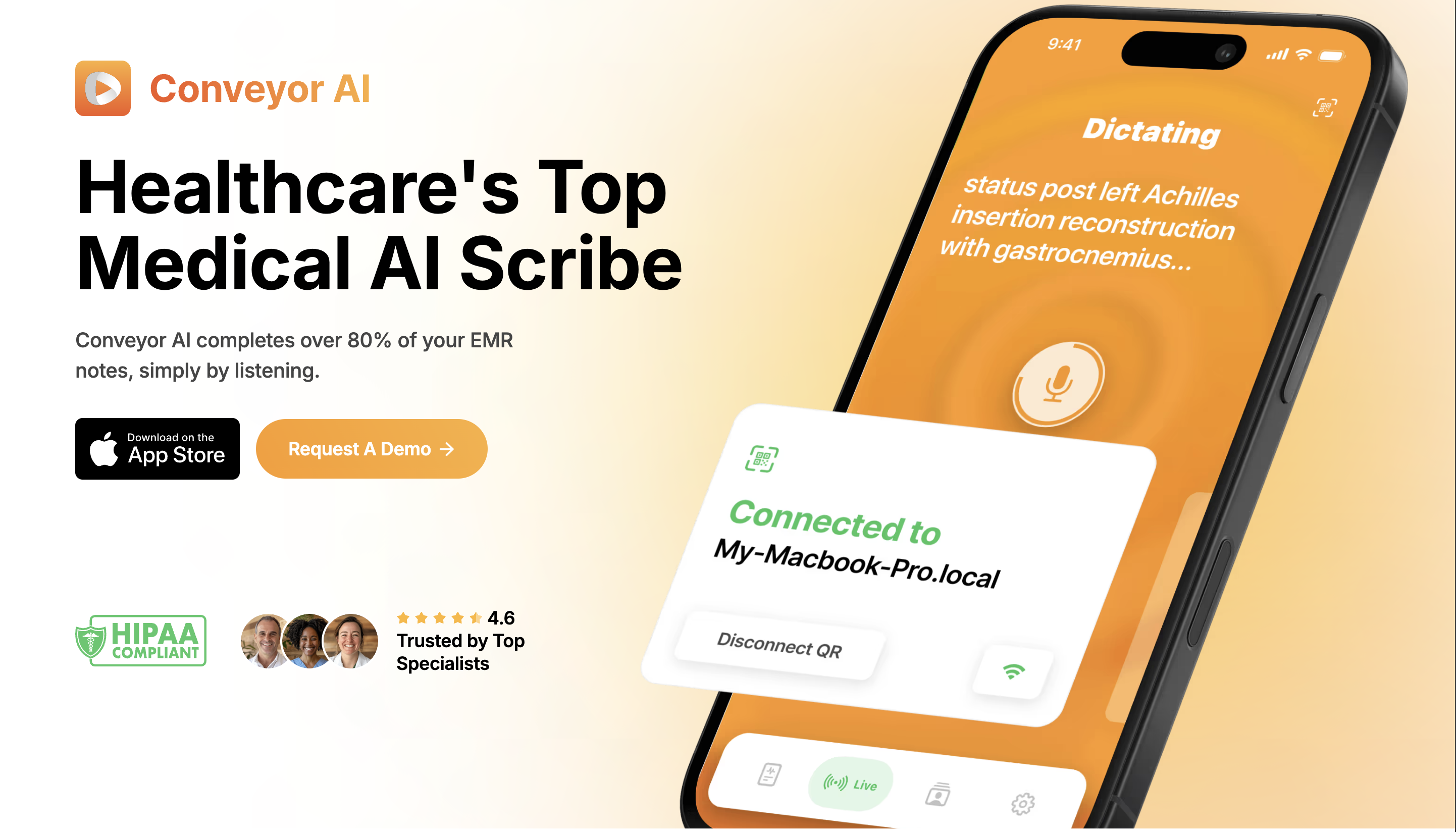
Mobius MD appeals to clinicians who want a documentation workflow that feels familiar to Dragon.
Best for
Physicians who aren't ready to move fully to ambient documentation.
Potential drawback
The closer a platform stays to traditional dictation workflows, the less documentation burden it typically removes compared with fully ambient solutions.
How to switch from Dragon to an AI scribe
The practical transition from Dragon Medical One to an ambient AI scribe is simpler than most physicians expect. There's no voice profile to migrate — AI scribes don't use voice recognition profiles. They understand any speaker from the first encounter, with no training period and no calibration.
Step 1: Document what you've built in Dragon
Before you cancel Dragon, export or screenshot anything you've customized:
- Custom vocabulary and abbreviations — terms you've added to Dragon's dictionary, specialty-specific shorthand, abbreviation expansions
- Dictation templates — any structured formats you've built for letters, referrals, or procedure notes
- Auto-text commands — voice macros or text shortcuts you use regularly
None of these will transfer directly to an AI scribe, but they're valuable reference material. Most AI scribes (including Freed) let you build custom note templates — your Dragon customizations tell your new tool exactly how you want your documentation structured.
Step 2: Verify compliance and security
Before any patient data flows through a new tool, confirm:
- HIPAA compliance — Is the vendor HIPAA/HITECH compliant? Look for it stated explicitly, not just implied.
- BAA (Business Associate Agreement) — Can the vendor provide a signed BAA before you start your trial? Freed provides a BAA — you can request one at any time.
- SOC 2 Type II certification — This confirms the vendor's security controls have been independently audited. Not all AI scribes have this.
- Data retention and deletion policies — Understand how long recordings and notes are stored and how to delete them.
Step 3: Run a low-risk pilot
Don't switch your whole practice on day one. Start with one or two providers for a week:
- Use the AI scribe alongside your existing workflow for the first 2–3 visits to build confidence in note quality
- Review generated notes carefully during the pilot — check for clinical accuracy, note structure, and completeness
- Test your specific specialty terminology — ambient AI scribes handle most specialties well, but your first few visits will confirm it
- If your AI scribe offers EHR integration, test the push-to-EHR workflow before rolling out broadly
Step 4: Configure your note templates
This is where your Dragon documentation from Step 1 pays off:
- Bring your preferred note structure (SOAP, H&P, specialty-specific formats) into the AI scribe's template editor
- Set up any recurring documentation patterns — follow-up visit formats, procedure notes, telehealth templates
- Most AI scribes learn your preferences over time, so your notes will get more tailored the more you use the tool
Step 5: Roll out and cancel Dragon
Once your pilot providers are comfortable:
- Expand to additional clinicians in batches (not all at once — stagger onboarding so your team can support each other)
- Confirm each provider can generate, review, and sign a note in their EHR before going live
- Cancel your Dragon Medical One subscription — most enterprise licenses renew annually, so time your switch to avoid paying for overlap
EHR migration checklist
Keep this as a quick reference during rollout:
☐ HIPAA compliance confirmed
☐ BAA signed and filed
☐ Note templates configured to match practice standards
☐ EHR integration tested (if applicable)
☐ Pilot completed with 1–2 providers
☐ Note quality reviewed and approved by clinical lead
☐ Clinicians trained on the review-and-sign workflow
☐ QA process established (spot-check notes weekly for the first month)
☐ Dragon subscription cancellation date scheduled
Most practices complete the full transition — from first sign-up to Dragon cancellation — within one to two weeks, not months.
Why Freed is the best Dragon Medical One alternative for independent practices
The AI scribe market has split into two tracks: enterprise platforms built for health system IT departments, and clinician-first tools built for physicians who want to solve a documentation problem today without months of procurement and implementation.
Freed is in the second category — but without the limitations that usually come with it. The clinical note quality is high. The customization is meaningful. The security posture — SOC 2 Type II certified, HIPAA/HITECH compliant — meets enterprise standards even though setup takes minutes instead of months.
For independent physicians comparing Freed to Dragon Medical One: Freed starts at $39 per month with no setup fees and no annual contract required. Dragon Medical One in enterprise licensing runs $1,200–$1,500 per provider per year. That means a physician switching from Dragon to Freed could save $700–$1,000+ per year while moving from manual dictation to fully automated ambient AI documentation.
The time savings matter even more. Physicians using Freed report saving one to two hours per day on clinical documentation. If you're currently spending two hours after clinic charting, that's ten hours per week — reclaimed by an AI medical scribe that costs a fraction of what you're paying for Dragon Medical One.
Why it's time to move beyond Dragon Medical One
Dragon Medical One solved a real problem when it launched — giving physicians a faster way to get words into a chart. But the problem has moved on.
Ambient AI medical scribes like Freed listen to the patient conversation, generate a specialty-appropriate clinical note, and return one to two hours per day that physicians used to spend on documentation.
There's no voice training, no profile maintenance, no IT deployment — just a sign-up that takes minutes and a workflow that disappears into the background of how you already practice medicine.
For independent practices and small groups still paying $1,200–$1,500 per year for dictation software that demands more of their time rather than less, the switch to an AI-powered clinical documentation tool isn't just a cost decision. It's a quality-of-life decision.
Dictate to Edit: one dictation habit that still works
Freed also includes Dictate to Edit (currently in beta, available on Premier and Groups web plans): a mic button at the top of your note that lets you speak a quick addition after your note is generated — no separate app, no setup. It's not a replacement for what Dragon does, and it doesn't carry any special medical-vocabulary training of its own — it's simply a convenience for dropping in a line here or there without reaching for the keyboard. If you're used to dictating small edits in Dragon, it gives you a familiar option even after your primary documentation has moved to ambient AI.
Start your free 7-day trial of Freed and see the difference in your first patient visit.


Table of Contents
Dragon Medical One has been the go-to medical dictation tool for decades. Physicians learned to slow down their speech, enunciate carefully, maintain voice profiles, and budget over $1,000 per year per provider for software that still demanded hours of upfront training.
For large health systems with dedicated IT departments, it was manageable. For independent practices and small groups, it was a persistent drain — expensive, complex, and never quite seamless.
Then ambient AI scribes arrived. These tools don't ask you to dictate anything. They listen to your conversation with the patient, understand clinical context, and generate a complete structured note automatically when the encounter ends. The physician reviews, adjusts if needed, and moves on.
Total time: 30–60 seconds.
This is a fundamentally different category from medical dictation software. It's not a faster way to transcribe your words — it's a way to eliminate note-taking from your workflow almost entirely.
Here's a look at the best Nuance Dragon Medical One alternatives in 2026, who each one is built for, and how to choose.
Why physicians are moving away from Dragon Medical One
Dragon Medical One is accurate. Its word recognition rate in controlled conditions is well-documented. But accuracy is not the same as usefulness, and the core limitation of Dragon has nothing to do with transcription fidelity: the cognitive burden of documentation still rests entirely on the physician.
With Dragon, you must structure the note in your head, dictate it in organized form, review the transcription, fix errors, and move it into the EHR.
Dragon transcribes words. It doesn't understand what you said. It doesn't know what an assessment and plan should look like for a 45-year-old with uncontrolled type 2 diabetes. You do all of that. Dragon just types for you.
Modern AI scribes work differently. You have a normal conversation with your patient. When the visit ends, the AI — which has been listening the entire time — produces a specialty-appropriate SOAP note. You review and approve. Your job during documentation drops from minutes to seconds per encounter.
Beyond the workflow difference, there are practical friction points.
Training and onboarding time
Dragon requires the tool to learn your voice, which is a process that takes time and periodic recalibration. AI scribes require no voice training. They understand any speaker from the first encounter.
Dragon costs per provider
Dragon Medical One licensing typically runs $1,200–$1,500 per provider per year in enterprise configurations, with some health system contracts exceeding that range depending on deployment size and add-on modules. For a five-physician practice, that's $6,000–$7,500 annually — just for dictation software.
Modern AI medical scribes have changed the pricing equation entirely. Ambient AI documentation tools now start as low as $39–$150 per month per provider with no long-term contracts and no setup fees — a fraction of what legacy medical dictation software costs.
What ambient AI can do that dictation can't
Ambient AI can listen and revise, eventually adapting to your speech patterns and the nuances of your personal note-taking.
In contrast, Dragon converts speech to text. It cannot generate an assessment, structure a plan, or understand that "SOB" means shortness of breath in context. That cognitive work stays with you.
For a deeper look at the key differences between medical dictation and AI scribes, see our full breakdown of what has changed in documentation technology.
Dragon Medical One vs. AI scribes: Side-by-side
Dragon Medical One and modern AI scribes may appear to solve the same problem (clinical documentation) but they approach it in fundamentally different ways.
AI scribes take a different approach than simply making dictation faster. Rather than acting as a transcription tool, they function as documentation assistants. To see more on AI medical transcription and how it differs from dictation, read our guide.
For practices evaluating whether to stay with traditional dictation or move to ambient AI, the key question isn't which tool transcribes better, it's whether you want software that records your documentation or software that helps create it.
Comparison table (Dragon vs. Freed vs. Suki vs. Commure)
| Feature | Dragon Medical One | Freed | Suki | Commure Scribe |
|---|---|---|---|---|
| Primary approach | Voice dictation | Ambient AI scribe with coding, CDS, and patient letters | AI assistant + ambient documentation | Ambient AI scribe |
| Listens during patient visit | ✖ | ☑ | ☑ | ☑ |
| Auto-generates SOAP notes | ✖ | ☑ | ☑ | ☑ |
| Requires physician dictation | ☑ | ✖ | Sometimes | ✖ |
| Voice training/profile setup | ☑ | ✖ | ✖ | ✖ |
| Learns provider preferences | Limited | ☑ | ☑ | ☑ |
| Works across specialties | ☑ | ☑ | ☑ | ☑ |
| EHR compatibility | Select integrations | Most browser-based EHRs + direct integrations | Major EHRs | Enterprise EHR integrations |
| Individual physician purchase | ☑ | ☑ | ☑ | ✖ |
| IT involvement required | Often | ✖ | Minimal | Typically yes |
| Best fit | Physicians who prefer dictation | Independent practices and small groups | Providers who want voice commands and ambient AI | Large health systems and enterprise organizations |
| Documentation workflow | Dictate → Edit → Sign | Visit → Review → Sign | Speak commands and/or ambient capture → Review → Sign | Visit → Review → Sign |
For a broader comparison of medical dictation software options in 2026 across the full market, including both dictation and AI scribe tools, see our complete overview.
The top Dragon Medical One alternatives in 2026
If you're evaluating replacements, the options fall into two distinct categories: tools for independent and small-group practices, and enterprise platforms designed for health system deployment. The right choice depends on your practice size, EHR environment, and how much IT support you have access to.
For a comprehensive view of the top-rated AI medical scribes compared, including tools beyond this list, see our full ranking.
1. Freed — Best for independent and small practices
Overview
Unlike Dragon Medical One, which requires physicians to dictate their notes, Freed eliminates the dictation workflow entirely. Physicians conduct visits normally while Freed generates a structured clinical note automatically. Because it works across specialties, supports virtually any EHR workflow, and requires no IT involvement, it's one of the easiest AI scribes to deploy and scale.
Best for
Independent physicians, private practices, small medical groups, and specialty clinics.
Key strengths:
- Ambient AI documentation with no dictation required
- Works with any EHR
- Setup takes minutes, not months
- No voice training or profile maintenance
- Learns physician preferences over time
- Lower cost than most enterprise-focused alternatives
- Designed specifically for clinical documentation rather than general speech recognition
Potential drawback
Physicians who prefer issuing voice commands throughout the visit may prefer another workflow
2. Suki AI — Best for voice-command workflows
Overview
Suki is often the best fit for physicians who still want to actively interact with documentation using voice commands. While it offers ambient documentation capabilities, its primary differentiator is its voice-assistant experience.
Best for
Clinicians transitioning from traditional dictation who want more hands-on control.
Potential drawback
Suki's hybrid model — combining voice commands with ambient listening — can mean a steeper learning curve for physicians who want a fully hands-off documentation experience. Clinicians who prefer to simply conduct a visit and receive a completed note without issuing commands during the encounter may find the voice-assistant workflow adds steps rather than removing them.
3. Commure Scribe — best for enterprise integration
Overview
Commure Scribe focuses on large health systems that require enterprise governance, centralized administration, and IT-led deployment.
Best for
Large health systems and enterprise organizations.
Potential drawback
Typically requires significantly more implementation effort than tools designed for independent practices.
4. Heidi Health — Best free-tier option
Overview
Heidi's free tier makes it attractive for clinicians exploring ambient documentation for the first time.
Best for
Physicians evaluating AI scribes on a limited budget.
Potential drawback
Free tools often involve tradeoffs in workflow sophistication, support, integrations, or customization compared with dedicated premium platforms.
5. Mobius MD — Best for Dragon power users wanting a migration path
Mobius MD appeals to clinicians who want a documentation workflow that feels familiar to Dragon.
Best for
Physicians who aren't ready to move fully to ambient documentation.
Potential drawback
The closer a platform stays to traditional dictation workflows, the less documentation burden it typically removes compared with fully ambient solutions.
How to switch from Dragon to an AI scribe
The practical transition from Dragon Medical One to an ambient AI scribe is simpler than most physicians expect. There's no voice profile to migrate — AI scribes don't use voice recognition profiles. They understand any speaker from the first encounter, with no training period and no calibration.
Step 1: Document what you've built in Dragon
Before you cancel Dragon, export or screenshot anything you've customized:
- Custom vocabulary and abbreviations — terms you've added to Dragon's dictionary, specialty-specific shorthand, abbreviation expansions
- Dictation templates — any structured formats you've built for letters, referrals, or procedure notes
- Auto-text commands — voice macros or text shortcuts you use regularly
None of these will transfer directly to an AI scribe, but they're valuable reference material. Most AI scribes (including Freed) let you build custom note templates — your Dragon customizations tell your new tool exactly how you want your documentation structured.
Step 2: Verify compliance and security
Before any patient data flows through a new tool, confirm:
- HIPAA compliance — Is the vendor HIPAA/HITECH compliant? Look for it stated explicitly, not just implied.
- BAA (Business Associate Agreement) — Can the vendor provide a signed BAA before you start your trial? Freed provides a BAA — you can request one at any time.
- SOC 2 Type II certification — This confirms the vendor's security controls have been independently audited. Not all AI scribes have this.
- Data retention and deletion policies — Understand how long recordings and notes are stored and how to delete them.
Step 3: Run a low-risk pilot
Don't switch your whole practice on day one. Start with one or two providers for a week:
- Use the AI scribe alongside your existing workflow for the first 2–3 visits to build confidence in note quality
- Review generated notes carefully during the pilot — check for clinical accuracy, note structure, and completeness
- Test your specific specialty terminology — ambient AI scribes handle most specialties well, but your first few visits will confirm it
- If your AI scribe offers EHR integration, test the push-to-EHR workflow before rolling out broadly
Step 4: Configure your note templates
This is where your Dragon documentation from Step 1 pays off:
- Bring your preferred note structure (SOAP, H&P, specialty-specific formats) into the AI scribe's template editor
- Set up any recurring documentation patterns — follow-up visit formats, procedure notes, telehealth templates
- Most AI scribes learn your preferences over time, so your notes will get more tailored the more you use the tool
Step 5: Roll out and cancel Dragon
Once your pilot providers are comfortable:
- Expand to additional clinicians in batches (not all at once — stagger onboarding so your team can support each other)
- Confirm each provider can generate, review, and sign a note in their EHR before going live
- Cancel your Dragon Medical One subscription — most enterprise licenses renew annually, so time your switch to avoid paying for overlap
EHR migration checklist
Keep this as a quick reference during rollout:
☐ HIPAA compliance confirmed
☐ BAA signed and filed
☐ Note templates configured to match practice standards
☐ EHR integration tested (if applicable)
☐ Pilot completed with 1–2 providers
☐ Note quality reviewed and approved by clinical lead
☐ Clinicians trained on the review-and-sign workflow
☐ QA process established (spot-check notes weekly for the first month)
☐ Dragon subscription cancellation date scheduled
Most practices complete the full transition — from first sign-up to Dragon cancellation — within one to two weeks, not months.
Why Freed is the best Dragon Medical One alternative for independent practices
The AI scribe market has split into two tracks: enterprise platforms built for health system IT departments, and clinician-first tools built for physicians who want to solve a documentation problem today without months of procurement and implementation.
Freed is in the second category — but without the limitations that usually come with it. The clinical note quality is high. The customization is meaningful. The security posture — SOC 2 Type II certified, HIPAA/HITECH compliant — meets enterprise standards even though setup takes minutes instead of months.
For independent physicians comparing Freed to Dragon Medical One: Freed starts at $39 per month with no setup fees and no annual contract required. Dragon Medical One in enterprise licensing runs $1,200–$1,500 per provider per year. That means a physician switching from Dragon to Freed could save $700–$1,000+ per year while moving from manual dictation to fully automated ambient AI documentation.
The time savings matter even more. Physicians using Freed report saving one to two hours per day on clinical documentation. If you're currently spending two hours after clinic charting, that's ten hours per week — reclaimed by an AI medical scribe that costs a fraction of what you're paying for Dragon Medical One.
Why it's time to move beyond Dragon Medical One
Dragon Medical One solved a real problem when it launched — giving physicians a faster way to get words into a chart. But the problem has moved on.
Ambient AI medical scribes like Freed listen to the patient conversation, generate a specialty-appropriate clinical note, and return one to two hours per day that physicians used to spend on documentation.
There's no voice training, no profile maintenance, no IT deployment — just a sign-up that takes minutes and a workflow that disappears into the background of how you already practice medicine.
For independent practices and small groups still paying $1,200–$1,500 per year for dictation software that demands more of their time rather than less, the switch to an AI-powered clinical documentation tool isn't just a cost decision. It's a quality-of-life decision.
Dictate to Edit: one dictation habit that still works
Freed also includes Dictate to Edit (currently in beta, available on Premier and Groups web plans): a mic button at the top of your note that lets you speak a quick addition after your note is generated — no separate app, no setup. It's not a replacement for what Dragon does, and it doesn't carry any special medical-vocabulary training of its own — it's simply a convenience for dropping in a line here or there without reaching for the keyboard. If you're used to dictating small edits in Dragon, it gives you a familiar option even after your primary documentation has moved to ambient AI.
Start your free 7-day trial of Freed and see the difference in your first patient visit.
FAQs
Frequently asked questions from clinicians and medical practitioners.

Is there a cheaper alternative to Dragon Medical One?

What is the best AI replacement for Dragon Medical?
Does Freed work as a Dragon Medical alternative?
Does Nuance Dragon require training?
How much does Freed cost?
How can I get started with Freed?
Related content
Free yourself for better things


548 Market Street, PMB 95301
San Francisco, CA 94104
Specialties
Compliance & Security
Our technology is HIPAA-compliant, uses industry best practices, and doesn’t store patient recordings.