

Start using Freed’s Chrome extension
Step 1
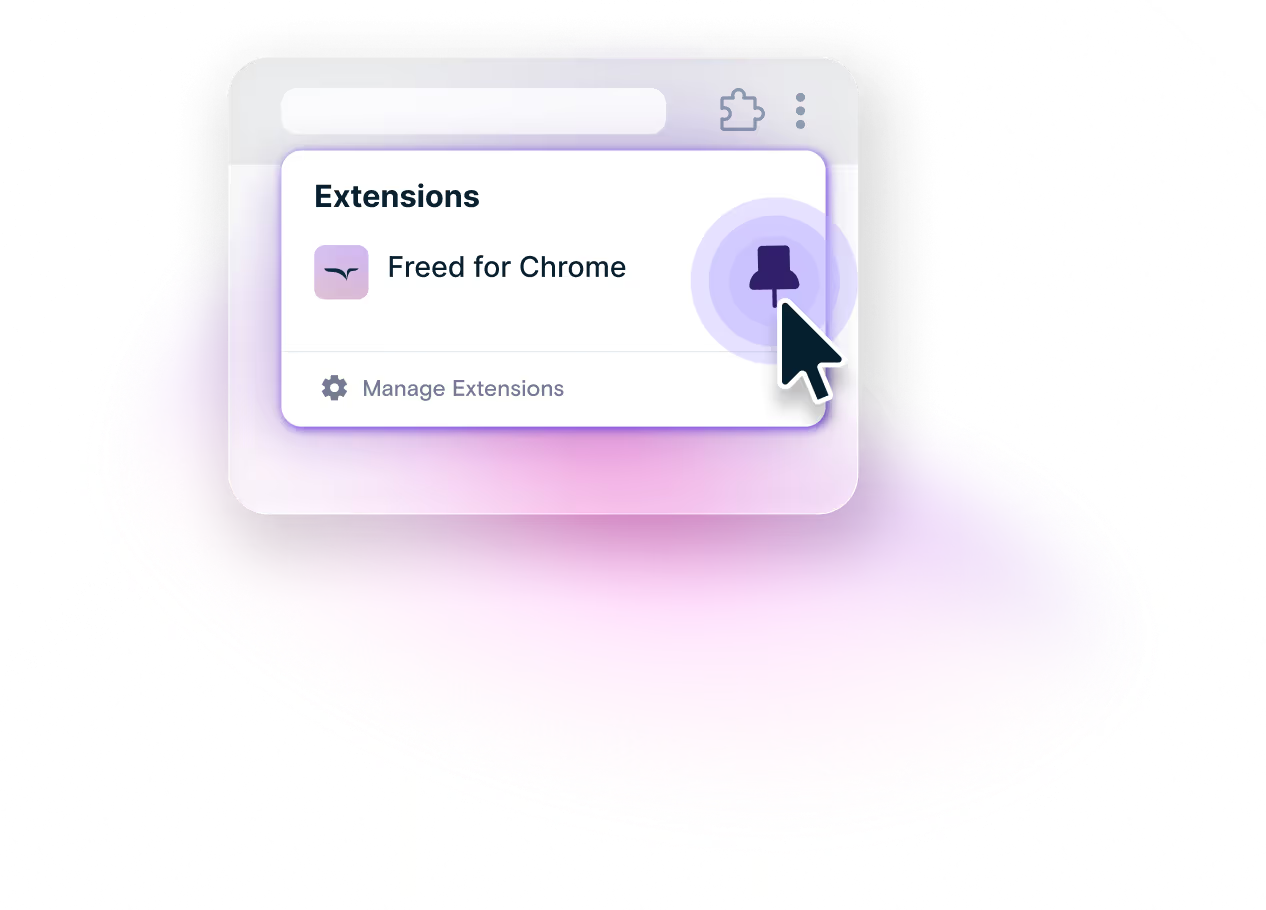
Pin your Freed Chrome extension
Keep Freed handy by pinning it to your Chrome toolbar.
Step 2
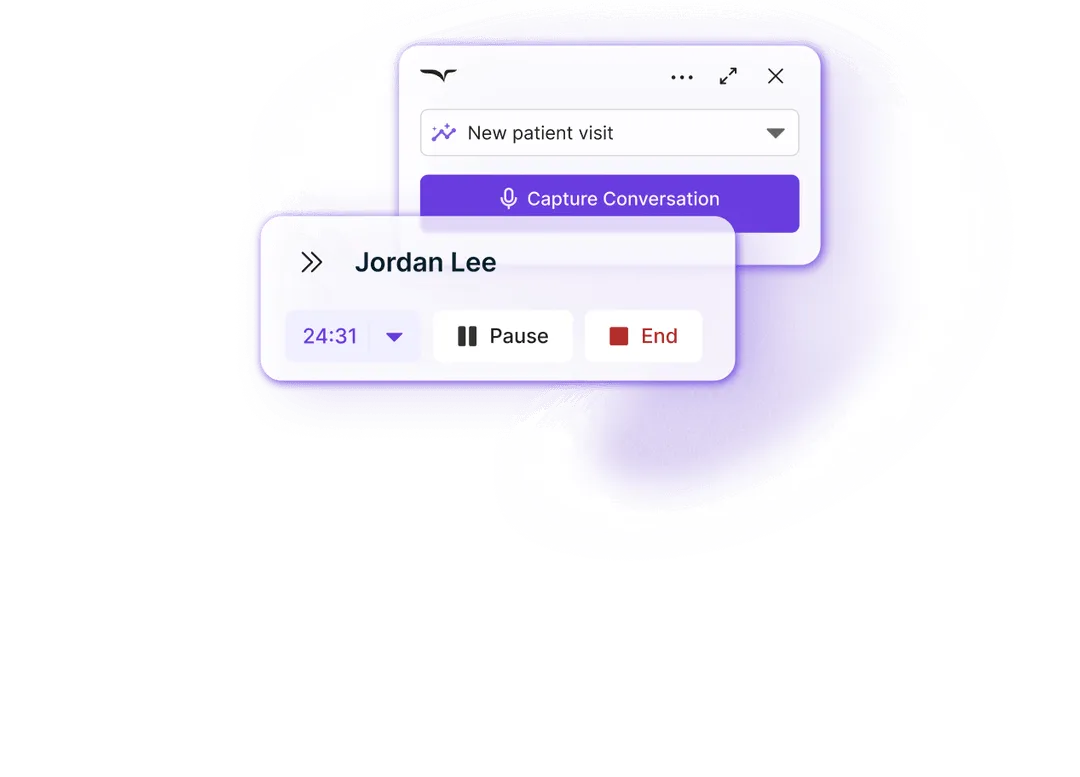
Record your visits
Go to your browser-based EHR, launch Freed from your toolbar, then start recording your visit.
Step 3
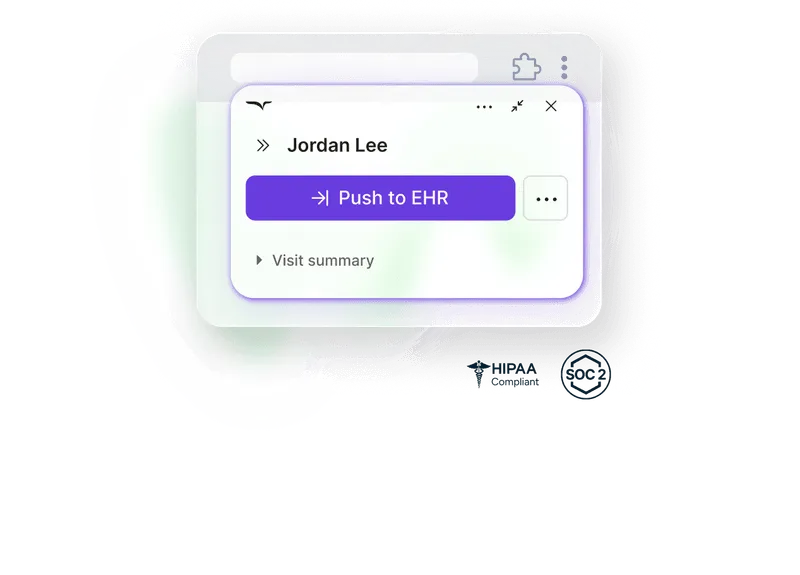
Push to your EHR
Push your medically accurate note directly to your EHR with just one click.

Built with love.
Freed was built for (and with the help of) my wife after watching her chart at night for too many years.
Freed is not designed to make you more productive, make you more money, or help you become a better clinician. The only purpose of Freed is to make clinicians happier.
Our goal is to be the most clinician-focused company in the world. If we fall short, please email me.
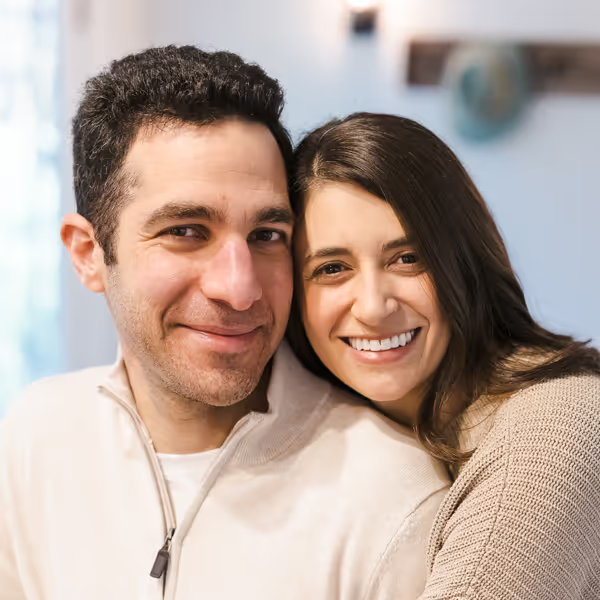
Erez Druk
Dr. Meckler’s husband & Freed CEO
Free yourself for better things


548 Market Street, PMB 95301
San Francisco, CA 94104
Specialties
Compliance & Security
Our technology is HIPAA-compliant, uses industry best practices, and doesn’t store patient recordings.



